I Built My App on Rork — Now What? A Founder's Guide to Going Live
Rork gave you a working mobile app prototype in hours. Here's the honest guide to what it takes to get from that prototype to an app store listing with real users.
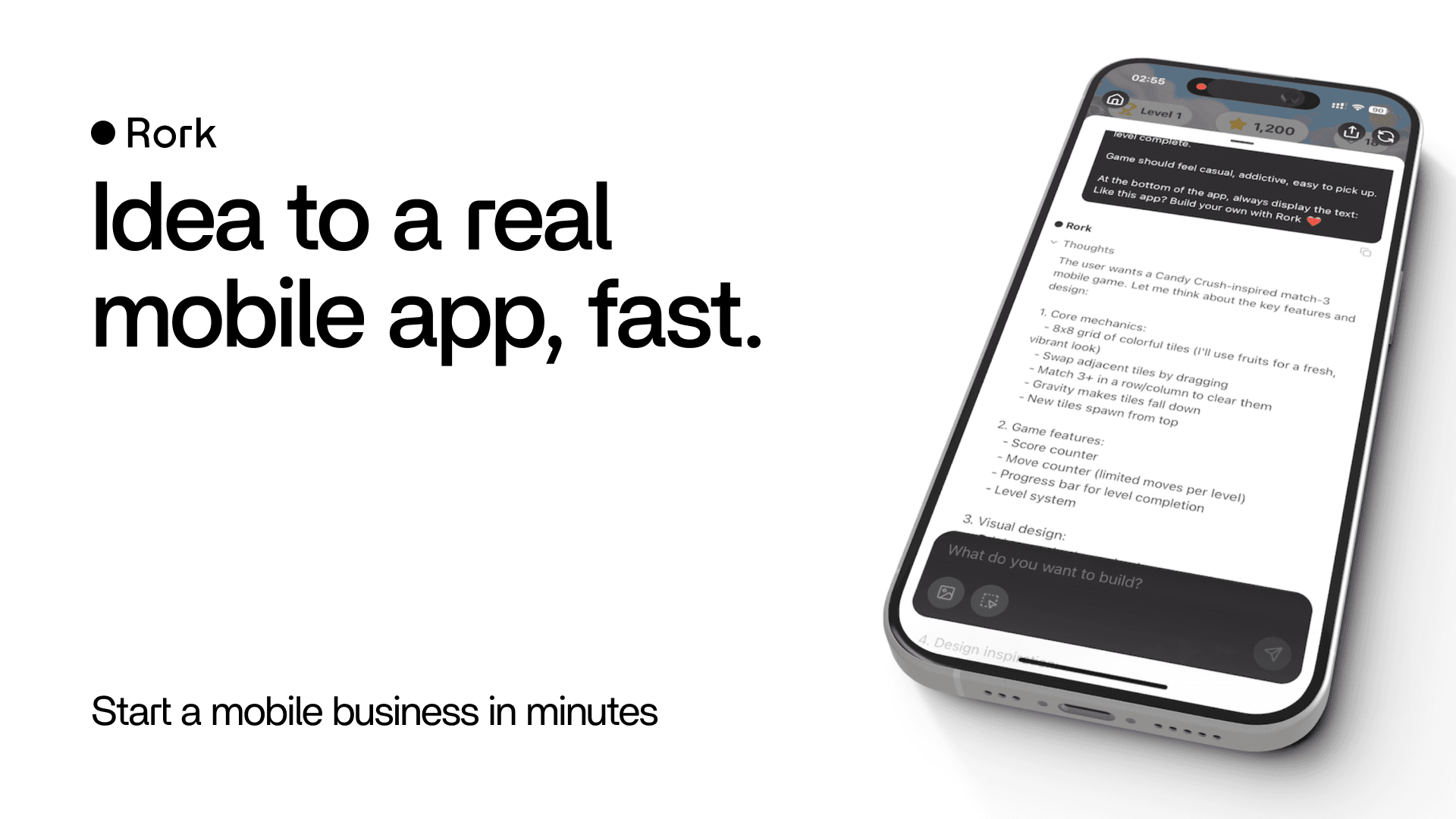
Rork is impressive. Describe your app idea in natural language, and within minutes you have a working React Native (or with Rork Max, native Swift) app running in a preview. For non-technical founders who spent months wondering how they'd ever get a mobile app built, this feels like a cheat code.
But if you've tried to actually publish that app — or started thinking seriously about real users, real data, and real App Store submissions — you've probably discovered that "running in a preview" and "live on the App Store with paying users" are two very different places.
This guide is honest about that gap and practical about how to cross it.
What Rork Is (and Is Designed For)
Rork is purpose-built for speed of prototype. It generates complete mobile app code, handles the basic structure of screens and navigation, and gives you something you can demo to stakeholders and early users in hours rather than months. That's the core value proposition, and it's real.
Rork recently raised $15 million in seed funding — a signal that the category is growing fast and millions of founders are using AI tools to get apps started. The challenge that comes with that growth: most of these apps stay as prototypes. The path from Rork to production isn't obvious, and it's longer than most founders expect.
The App Store Is a Different Planet
For web apps, "going live" means pointing a domain at your deployment. For mobile apps, going live means navigating two of the most demanding gatekeepers in software: the Apple App Store and Google Play Store.
Here's what stands between your Rork prototype and an App Store listing:
Apple Developer Program enrollment. $99/year, requires a verified Apple ID, can take 24–72 hours to be approved. You need this before you can do anything else in the Apple ecosystem.
Code signing and provisioning profiles. Apple requires every app to be cryptographically signed with certificates that prove you built it. This involves creating distribution certificates, provisioning profiles that associate your app with specific devices and capabilities, and embedding all of this in your build configuration. It's one of the most confusing parts of iOS development and a common point where founders get completely stuck.
App Store Connect setup. Before you can submit, you need an App Store Connect listing: app name, description, keywords, screenshots (in multiple sizes for multiple device types), privacy policy URL, support URL, age rating, and pricing. This is several hours of work before a single line of code is reviewed.
App Review. Apple's review team evaluates every app submission for functionality, design standards, privacy practices, and guideline compliance. Rejection rates for first submissions are high, especially for apps with missing functionality, placeholder content, or incomplete user flows. The review process takes 1–7 days, and a rejection adds another cycle.
Google Play is more forgiving for initial submissions, but still requires a signed APK or App Bundle, a completed store listing, a privacy policy, and compliance with Play Store policies. Play also now requires apps to meet specific API level targets and may require verification for certain app categories.
None of this is Rork's fault — it's just the reality of the mobile app distribution system. Rork built you a prototype. The App Store wants a polished, signed, compliant application.
The 4 Technical Gaps to Close
Beyond distribution, there are production gaps in the app itself that matter before real users touch it.
Gap 1: Backend Infrastructure
Most Rork apps use a simple or non-existent backend. The prototype works because it's showing you UI and simulating data — but a real app needs a real backend: user accounts with persistent data, server-side logic, push notification infrastructure, and an API that can handle concurrent requests without breaking.
Connecting your Rork frontend to a production backend (Supabase, Firebase, a custom API) is straightforward in concept but requires real work to do securely and reliably.
Gap 2: Device and OS Compatibility
A Rork preview runs on one device in a controlled environment. Real users have iPhones from iPhone 11 to iPhone 16 Pro, Android phones from budget to flagship, screen sizes from 4 inches to 6.7 inches, and OS versions from iOS 16 to iOS 18. What looks perfect in preview may have layout issues, missing permissions, or crashes on specific device configurations.
Gap 3: Offline and Network Handling
Mobile users have intermittent connectivity. Your app will be used on the subway, in elevators, at conferences with overloaded WiFi. Production mobile apps handle network failures gracefully: they show meaningful errors, queue actions to retry when connectivity returns, and don't lose user input because a request timed out. Rork prototypes usually don't — and this is one of the first things users will hit.
Gap 4: Push Notifications
If your app needs to notify users — about new messages, completed actions, or important updates — push notifications require server-side infrastructure (APNs for iOS, FCM for Android), proper permission handling, and logic to manage notification preferences. This is a full feature to build, not a toggle to flip.
Your Options for Getting to Launch
Extend the Rork codebase with a React Native developer
If your prototype is built on standard Rork (React Native via Expo), any experienced React Native developer can read and extend the code. The workflow: export from Rork, hand to a developer, let them assess what's production-grade and what needs to be rebuilt, then work from there.
This is the fastest path if the prototype's logic is relatively clean and the main work is connecting a real backend, adding proper error handling, and navigating the App Store submission process.
Use the prototype as the spec for a clean build
If the prototype is heavily iterated — built through many prompt sessions, with inconsistent patterns — a clean build using the Rork app as the design specification is often faster and cheaper than trying to salvage the generated code.
The prototype did valuable work: it shows exactly what screens exist, what the navigation structure is, and what each flow is supposed to do. That clarity eliminates the most expensive phase of a professional build (discovery and design). You're paying for execution, not exploration.
Handle App Store submission separately
Even if the technical app is production-ready, App Store submission is its own project. Screenshots need to be pixel-perfect across device sizes. The app description needs to hit keywords your users actually search for. The privacy policy needs to correctly describe what data you collect. If you've never done a submission before, budget an extra week and expect at least one rejection round.
A developer who's done App Store submissions before is worth considerably more than one who hasn't for this specific step.
Before spending a dollar on development, spend two hours on user testing. Find 5 people who fit your target user profile, hand them your Rork prototype, and watch them use it without guiding them. What they get confused by, what they ignore, and what they try to do that doesn't work yet — that's your prioritized feature list. Don't build more until you know what the existing prototype taught you.
What It Actually Costs
The cost to take a Rork prototype to a live App Store app depends heavily on the state of the prototype and the scope of the final app:
If the codebase is extend-worthy: $3,000–$8,000 for production hardening, backend connection, and App Store submission support.
If a clean build is the right call: $4,000–$10,000 for a focused mobile MVP using the Rork app as the design spec. Timeline: 3–5 weeks.
If you also need a web admin panel or API: Add $1,500–$3,000 depending on complexity.
These are lean numbers that assume tight scope — one core user journey, no admin panel, no analytics dashboard. Every feature you add to v1 moves these numbers up.
Common Questions About Rork vs. Rork Max
Rork launched Rork Max in early 2026, which builds native Swift apps instead of React Native. The distinction matters for production:
Standard Rork (React Native / Expo): More developer support available, easier to hand off, more documentation for edge cases, cross-platform by default (iOS + Android from one codebase).
Rork Max (Native Swift): Better performance for graphics-heavy or hardware-intensive apps (AR, games, HealthKit, custom animations), access to Apple-only features (Dynamic Island, Live Activities, App Clips), but iOS only and requires Swift expertise to extend.
For most founders building business apps — marketplaces, SaaS tools, booking apps, social features — standard Rork's React Native output is the better choice. The developer talent pool is larger, the tooling is more mature, and you get Android support without a separate codebase.
Frequently Asked Questions
Can I publish a Rork app directly to the App Store?
Not directly from Rork's interface. You need to export the code, set up an Apple Developer account, configure code signing and provisioning profiles, build the release binary, complete your App Store Connect listing, and submit for App Review. This process is technically involved, especially for first-time app publishers, and takes 1–3 weeks including the review period.
How long does it take to go from a Rork prototype to a live app?
With a developer who knows the process: 3–6 weeks for a focused app. This includes backend connection, production hardening, App Store submission preparation, and review time. The timeline assumes a well-scoped prototype with a single core user journey — it grows significantly if scope expands during development.
Should I use Rork Max or standard Rork for my MVP?
Standard Rork (React Native) for most business apps. You get iOS and Android from one codebase, a larger developer talent pool, and more mature tooling. Choose Rork Max (native Swift) only if your app genuinely requires Apple-native capabilities — AR/LiDAR, Live Activities, HealthKit integration, or graphics performance that React Native can't deliver.
What does a developer do with a Rork codebase?
A React Native developer reads the generated code, identifies what's production-grade and what needs to be rebuilt, connects a real backend (Supabase, Firebase, or custom API), adds proper error handling and network state management, configures push notifications, sets up code signing, and handles the App Store submission process.
My Rork app works in preview but breaks on my real phone. Why?
Common causes: preview environments use simulated network conditions and device specs. Your real phone may have a different iOS version, screen size, or permission state. Layout issues, missing device permissions (camera, location, notifications), and API call failures are the most frequent culprits. A developer can diagnose these with a proper device testing setup.
Does Rork export code I can give to a developer?
Yes. Rork generates real React Native code that you can export and hand to any React Native developer. The code quality varies based on how many iteration cycles the prototype went through — heavily iterated apps tend to be less consistent — but it's all standard TypeScript/React Native that any developer can read.
What does Apple's App Review process involve and how long does it take?
Apple's review team evaluates every submission for functionality, design standards, privacy practices, and guideline compliance. Reviews take 1–7 days, and rejection rates for first submissions are high — especially for apps with missing functionality, placeholder content, or incomplete user flows. Budget time for at least one rejection round.
How much does it cost to take a Rork prototype to the App Store?
If the codebase is extend-worthy: $3,000–$8,000 for production hardening, backend connection, and App Store submission support. If a clean build is the right call: $4,000–$10,000 for a focused mobile MVP using the Rork app as the design spec, with a 3–5 week timeline.
We build production mobile apps for non-technical founders — and we work with Rork prototypes regularly. Book a free call and we'll give you an honest read on what your prototype needs to get to the App Store. Book a free call →
Co-founder, Joistic
Joistic helps non-technical founders ship launch-ready MVPs fast — lean pods, AI-accelerated delivery, and product clarity from idea to launch.